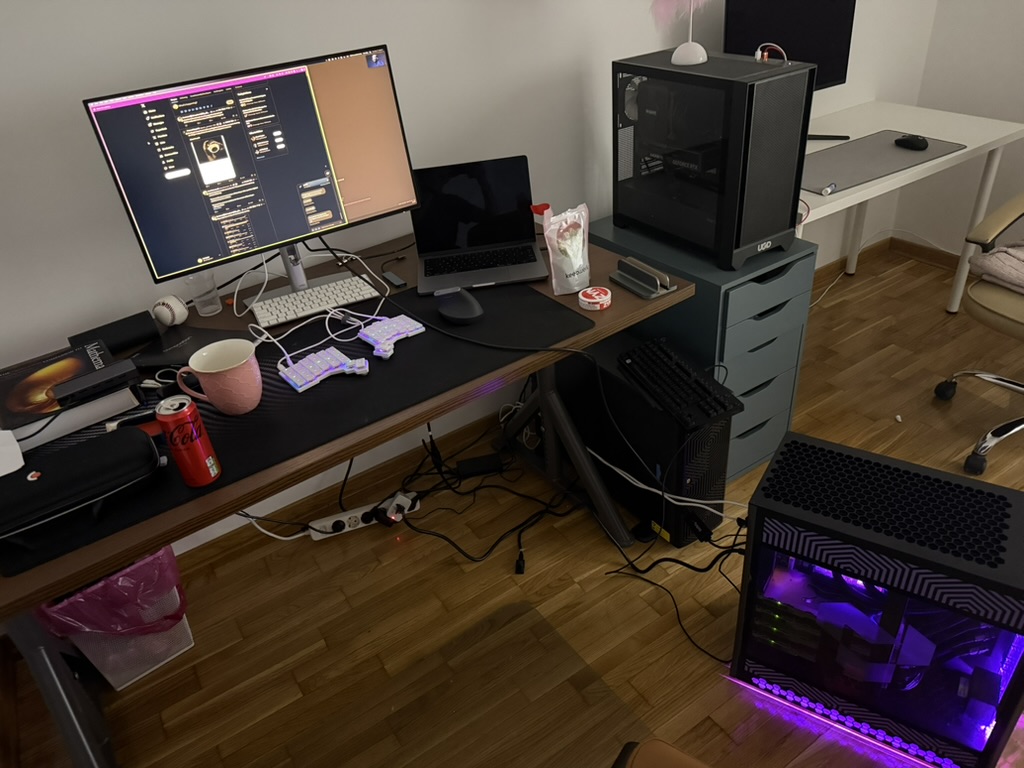
To wrap up 2025, I wanted to take some time to write up what my personal development environment looks like. For context, I mostly use a Macbook Pro M1 Pro 14inch (2021) plugged to an external monitor which acts as a dock for all the things I do use when in my office.
Equipment
- Monitor: Dell UltraSharp 27 4K Thunderbolt Hub Monitor - U2725QE
- Keyboard: ZSA Voyager, you can find my layout here
- Mouse: Logitech MX Vertical Ergonomic Wireless Mouse
- Desk mat: Logitech DESK MAT - Studio Series
This is basically it. I use my keyboard 90% of the time, and my ZSA is the most important equipment I do use. If I am moving around, I carry no equipment unless I am staying for several days in which case I bring only my ZSA voyager. Otherwise, it’s just me and a 14inch macbook pro.
Side-note, but I only like heavy wooden desks which are flat, large slabs and are fairly deep, and I mostly like to have the space taken up by my computer and its related stuff to be minimal, so I can spread around with papers, books etc… during the day.
Personal Development Environment

Core
- Terminal: Ghostty
- Terminal workspace: Zellij
- Shell: Fish
- Prompt: Hydro
- Font: Berkeley Mono 2.0
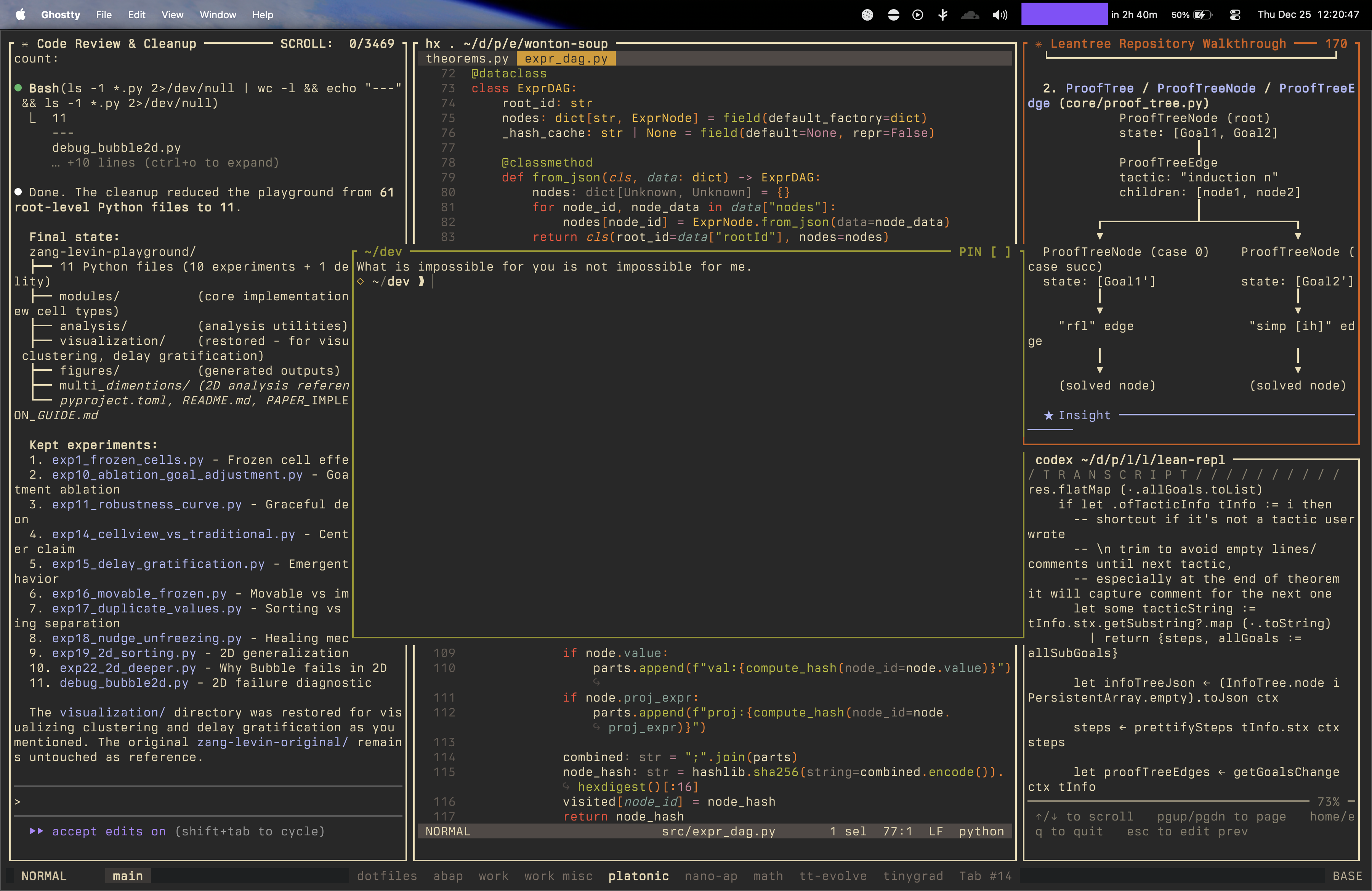
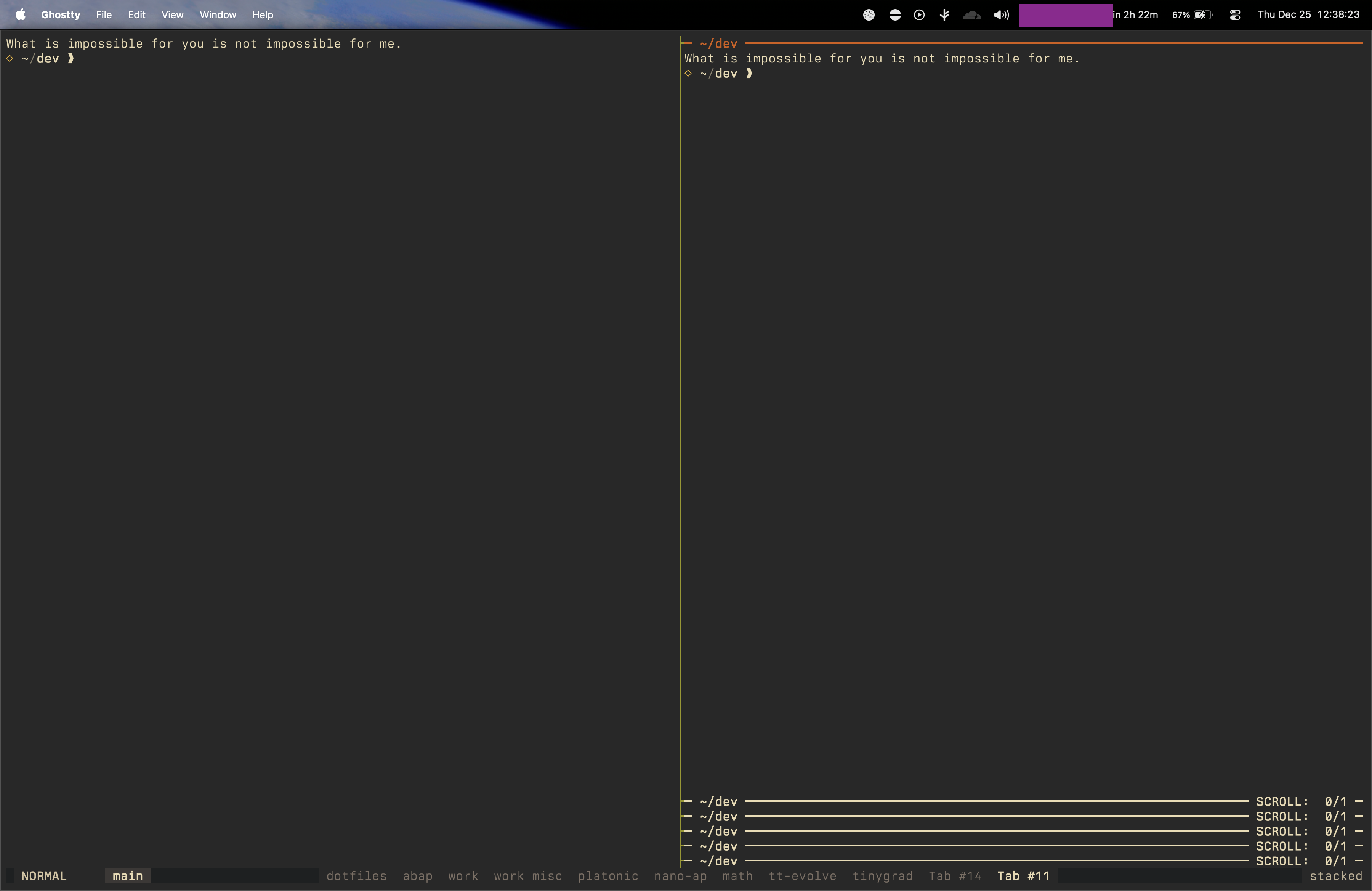
Zellij is core to my workflow. My ghostty is configured to have no window decorations, tabs, and a lot of the keybinds to fall through. I use Zellij tabs, with a tab per project / some way to group some related work, each tab has 3 to N panes and depending on the amount of panes, a couple layouts are used. I also make extensive use of stacked panes, and everything is keyboard-driven.
My most commonly used keybinds with Zellij are moving around panes, tabs, focusing on a single pane, popping up a floating pane/shell, splitting horizontally and vertically and less often, resizing or moving a pan.
I try and follow some (ever-evolving but) scope-based modifier hierarchy that keeps things predictable across all my tools:
- Ctrl: Terminal/pane navigation -
Ctrl + h/j/k/lmoves between panes - Cmd: Tab/session operations -
Cmd + h/lswitches tabs,Cmd + tnew tab,Cmd + wclose tab - Cmd+Opt: Window manager operations (across applications)
- Ctrl+Shift: Application switching (system-level)
The pattern extends with additional modifiers:
- + Shift for destructive/moving operations (close, move)
- + Ctrl for resizing. This means muscle memory transfers
<modifier> + halways means “go left” whether I’m in Zellij panes, moving a window or thinking about navigation generally, and I like consistency..
The primary layout I use when programming is called “battlestation”, which is basically a three column setup with 30%-45%-25% split:
swap_tiled_layout name="battlestation" {
  tab focus=true hide_floating_panes=true {
	  pane split_direction="vertical" {
		  pane size="30%" {
			  pane cwd="dev" size="50%"
			  pane cwd="dev" size="50%"
		  }
		  pane command="zellij" cwd="dev" focus=true size="45%" {
			  args "action" "dump-layout"
			  start_suspended true
		  }
		  pane size="25%" {
			  pane cwd="dev" size="50%"
			  pane cwd="dev" size="50%"
		  }
	  }
  }
}
The left column is usually occupied by Claude Code, the main column by my editor, and the right column either by Claude Code, Codex, or some scratchpad. I also often split the left or right column horizontally when needed, and might have a very minimal horizontally split pane at the bottom of the main column.
For quick needs, I popup a floating terminal using a keybind for quick commands (eg git related things or just various sidequests).
I use many CLIs and TUIs, most of them you will know already. Here’s a loose list of the one I use the most off the top of my head:
- zoxide - a smarter cd command -> this is one I use massively, I rarely cd and abuse
zconstantly. - jujutsu - a version control system -> I use
jjover git for all personal projects for the last ~10 months and it’s been a lot of fun. See Jujutsu For Busy Devs for an intro. - fzf - a command-line fuzzy finder
- ripgrep - recursively searches directories for a regex pattern while respecting your gitignore
- jq - a lightweight and flexible command-line JSON processor|yq - similar but works with YAML, JSON, XML, CSV, TOML, HCL
- delta - a syntax-highlighting pager for git, diff, and grep output
- uutils coreutils, findutils, diffutils -> replaces ls, cp, find, diff etc… with Rust-written equivalents.
- atuin -> manages my shell history
- btop/bottom
- tldr - collaborative cheatsheets for console commands -> sometimes useful to get quick example commands if I forgot something
- llm -> I use this to pipe things to it and answering quick questions
- eza - a modern, maintained replacement for ls, written in rust
- tokei -> I care about LoC often…
- if I do use a file manager in my terminal, I always use yazi
- Some data wrangling tools such as gron (makes JSON greppable), jnv (to build jq filters with live feedback), jless and mlr (when I need some aggregations or tabular output)
- Many others, such as xh, a replacement for httpie for me, direnv and nix-direnv, ast-grep, dust, bandwhich etc
The editor
I use https://helix-editor.com/ as my primary editor. I had used Helix many eons ago, but back then, it was still a little too early for me to use it everyday, and so I had stayed on neovim. These days, Helix is as excellent as I could imagine, and comes with built-in LSP support, tree-sitter syntax highlighting and multiple selections.
The bigger changes I did make were to make Helix feel a bit more like Vim keybinds-wise. By default, Helix uses a selection-first model where motions extend selections, so I’ve remapped w, e, b and most movement commands to collapse selections after moving, so w just moves to the next word start rather than selecting to it.
Here’s some of my general settings which don’t come out of the box:
theme = "gruvbox"

[editor]
auto-completion = true
bufferline = "multiple"
completion-trigger-len = 2
line-number = "absolute"
mouse = false

[editor.auto-save]
focus-lost = true

[editor.cursor-shape]
insert = "bar"
normal = "block"
select = "underline"

[editor.file-picker]
hidden = false

[editor.inline-diagnostics]
cursor-line = "warning"
other-lines = "error"

[editor.lsp]
display-inlay-hints = true

[editor.soft-wrap]
enable = true

[editor.statusline]
center = ["file-name"]
left = ["mode", "spinner"]
right = [
    "diagnostics",
    "selections",
    "position",
    "file-encoding",
    "file-line-ending",
    "file-type",
]
separator = "│"

[editor.statusline.mode]
insert = "INSERT"
normal = "NORMAL"
select = "SELECT"

[keys.insert]
esc = ["collapse_selection", "normal_mode"]
Some notable keybind additions/changes
space y p-> copy file path to clipboardspace y g-> copy GitHub permalink with line number (parses git remote to construct the URL)
and the language tooling part:
| Language | Formatter | LSP | Debugger |
|---|---|---|---|
| Nix | nixfmt | nixd | - |
| Rust | rustfmt | rust-analyzer (clippy) | lldb-dap |
| Go | gofumpt | gopls (staticcheck) | delve |
| Python | ruff | ty | debugpy |
| TypeScript/JavaScript | prettier | typescript-language-server | - |
| Haskell | fourmolu | haskell-language-server | haskell-debug-adapter |
| Zig | zig fmt | zls | - |
| Java | google-java-format | jdtls | - |
| JSON/HTML/CSS/YAML | prettier | vscode-*-language-server | - |
Other softwares I use
For browsing, I primarily used Arc, since maybe mid-2023. I liked the vertical tabs, spaces for context switching, the general design philosophy and the cmd-k launcher. I didn’t like the fact they obviously abandoned it for a slop AI browser, or the fact that it was battery hungry. I hopped around trying various Chromium and Firefox forks, stayed on Zen for a while, considered Helium but decided I enjoy vertical tabs too much and have settled on Orion, made by Kagi.
On that note, I use Kagi as my main search engine. I abuse the toggle for PDFs, “Small Web” (which filters for smaller personal blogs, youtube channels etc), usenet etc quite a bit. I even use their AI integration at time, by appending ! to any of my searches. If Kagi is failing me (which is rare), I just add a !g to my query to get Google results.
For email, I use Apple Mail for my Gmail accounts and the Proton Mail app for my Proton account. Calendar, reminders, books, music are all Apple ecosystem. I am an Apple boy and am not ashamed of it. The only exception is Youtube Music to be able to play various music leaks on my homepods.
I use Tailscale to connect all my machines into a private mesh network. My tailnet includes my MacBook, iPad, iPhone, a couple Linux boxes (including “bigdave”), and occasionally my girlfriend’s Windows machine so I can ssh to her machine and fix her stardew valley mods.
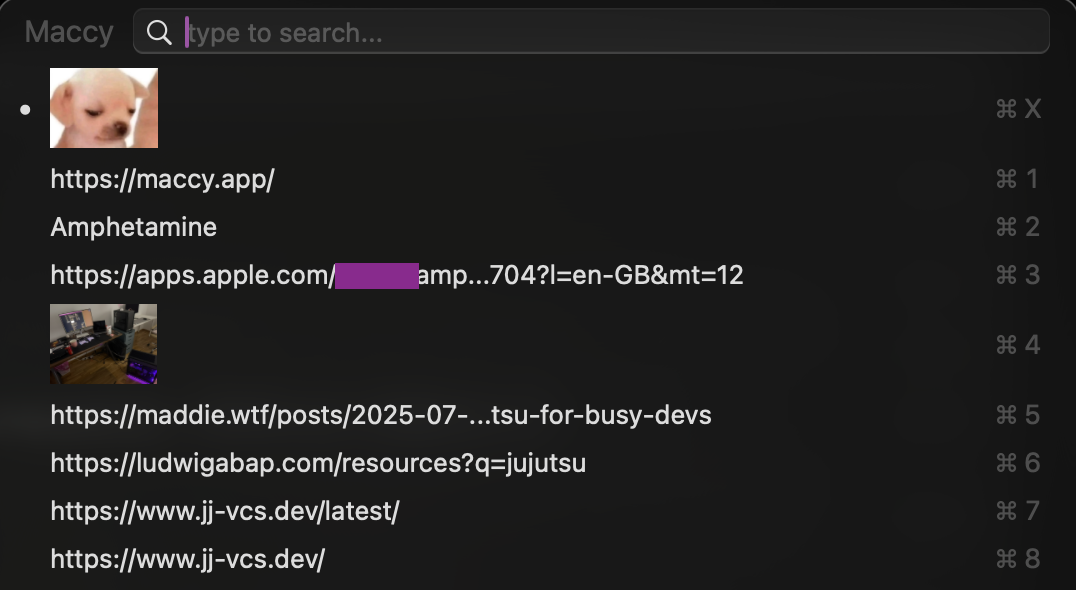
I still use Amphetamine to keep my macbook awake (I’m sure there are better alternatives but I’ve been using it for what feels like 10 years now…) and Maccy as my clipboard manager. I also use MeetingBar to display when is my next meeting and have a one click jump point to whatever Zoom/Meet hell I have to enter. I also use HyperKey to turn my Caps Lock key into an extra modifier which combines all four modifiers (⌃⌥⌘⇧).
Outside of this, I mostly use Obsidian for note-taking, Sublime Text for text wrangling and as a quick scratchpad (powered by USGC’s ST3 themes!)
How it is all managed
I use Determinate Nix, nix-darwin and home-manager together to manage a nix.flake based on HSVSphere’s flake which you can find here. It builds my environment (including all the necessary toolchains I need) and ensures my keybinds are equivalent across my machines. There’s a few cool things I use such as nom etc.
Here’s some of the software in my flake (which also contains configuration for these, such as keybinds):
- Shell/Terminal: Fish/Nushell (I can rebuild the flake with either) + Zellij + Ghostty
- Editors: Helix + Neovim
- VC: Git, Jujutsu, Delta
- Search, navigation: fzf, ripgrep, zoxide, fd, yazi, broot
- System monitoring stuff: bottom, procs, dust, bandwhich
- LLM stuff: llm CLI, Claude Code, Codex
- Languages + toolchains: Rust, Zig, Haskell, Lean, Go, Python, TypeScript, Java
- Databases: PostgreSQL, Redis, SQLite, DuckDB
Quick note on my phone setup
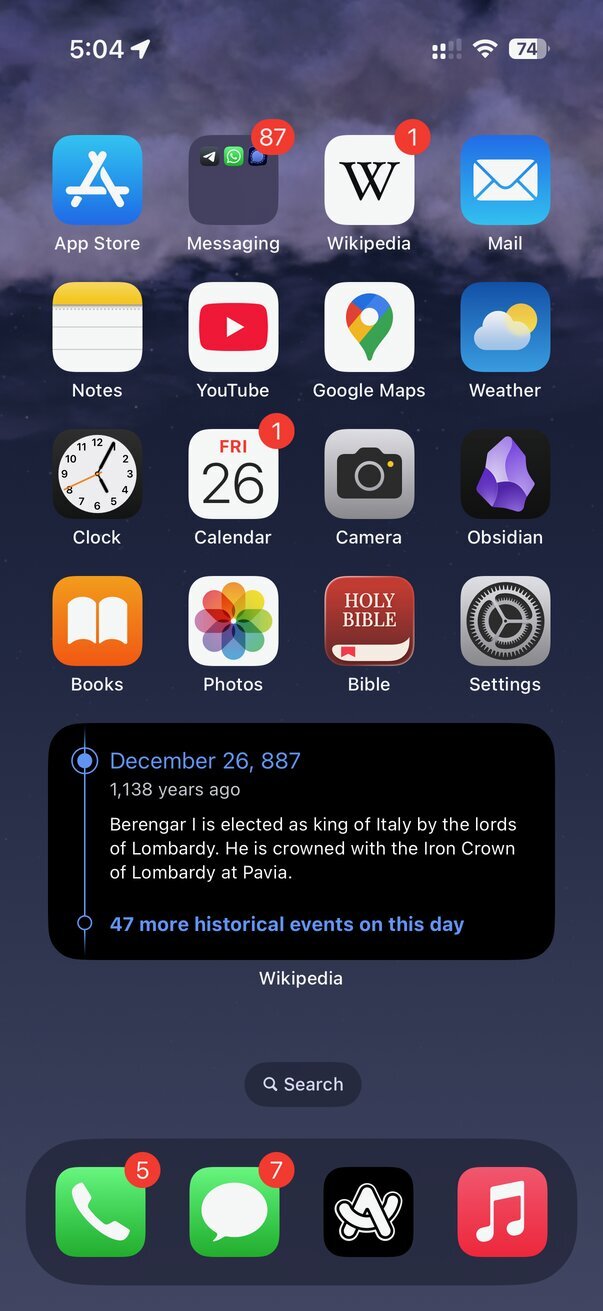
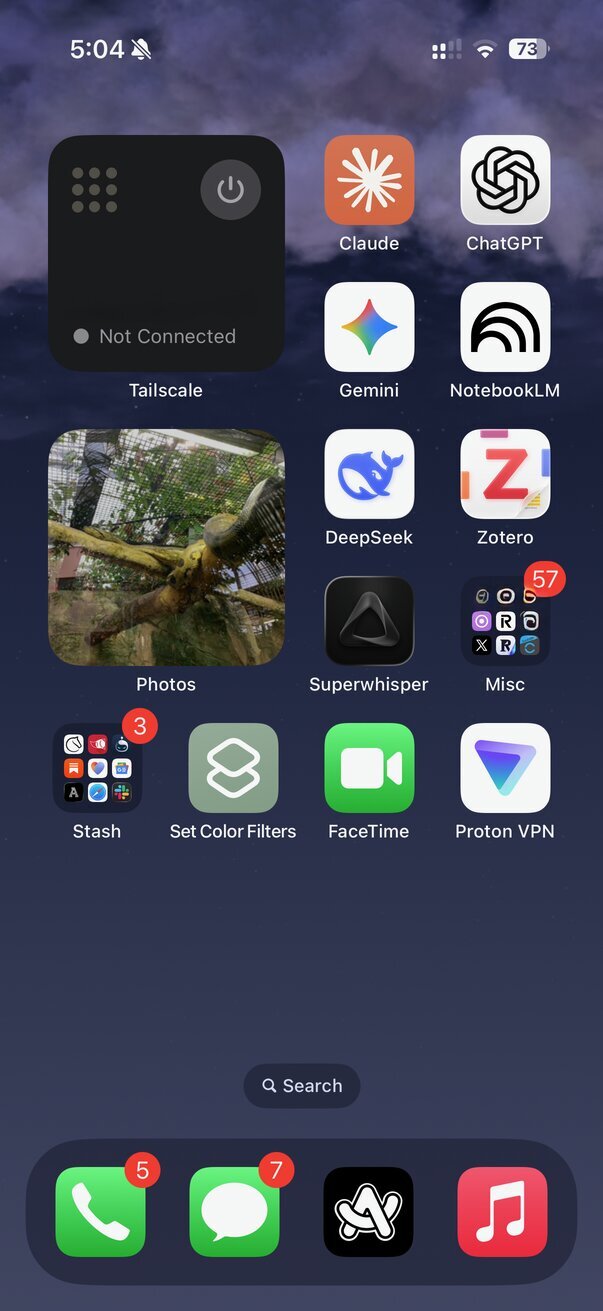
I’ll showcase what apps are on my phone too, in case it interests anyone. I basically I only use the first page + the pulldown menu to go to an app. If I can’t think of the app, I don’t need it, is basically how I go about this. My phone usage is mostly just iMessage/telegram/whatsapp for communication, reading emails, browsing wikipedia or reading books when am in town or in a taxi. That and some quick note taking if I’m thinking about something I don’t want to forget. It’s always in DND with only a few close people being able to ring me - even pages from work can’t ring my phone. I hate unwanted sounds and vibrations in general!